Beautiful-plots(ggplot2)-in-r
blog
Beautiful plots in R using ggplot2
The purpose of this post is to show how to use the basic syntax of ggplot2, do some of the most common types of plots, as well as some customizations and facets. For this post we are going to use the iris dataset, as well as the skimr and cowplot packages. The first step consists of loading the desired packages, as well as the data and skimming over it. The first section will show some basic plots, while the next ones will show how to customize certain elements of the plots, like color, fill, facets and theme.
library(ggplot2)
library(skimr)
library(cowplot)

data(iris)
skim(iris)
Then we can start building our different plots.
Basic plots
Scatterplot
iris |>
ggplot(aes(x = Sepal.Length, y = Sepal.Width)) +
geom_point()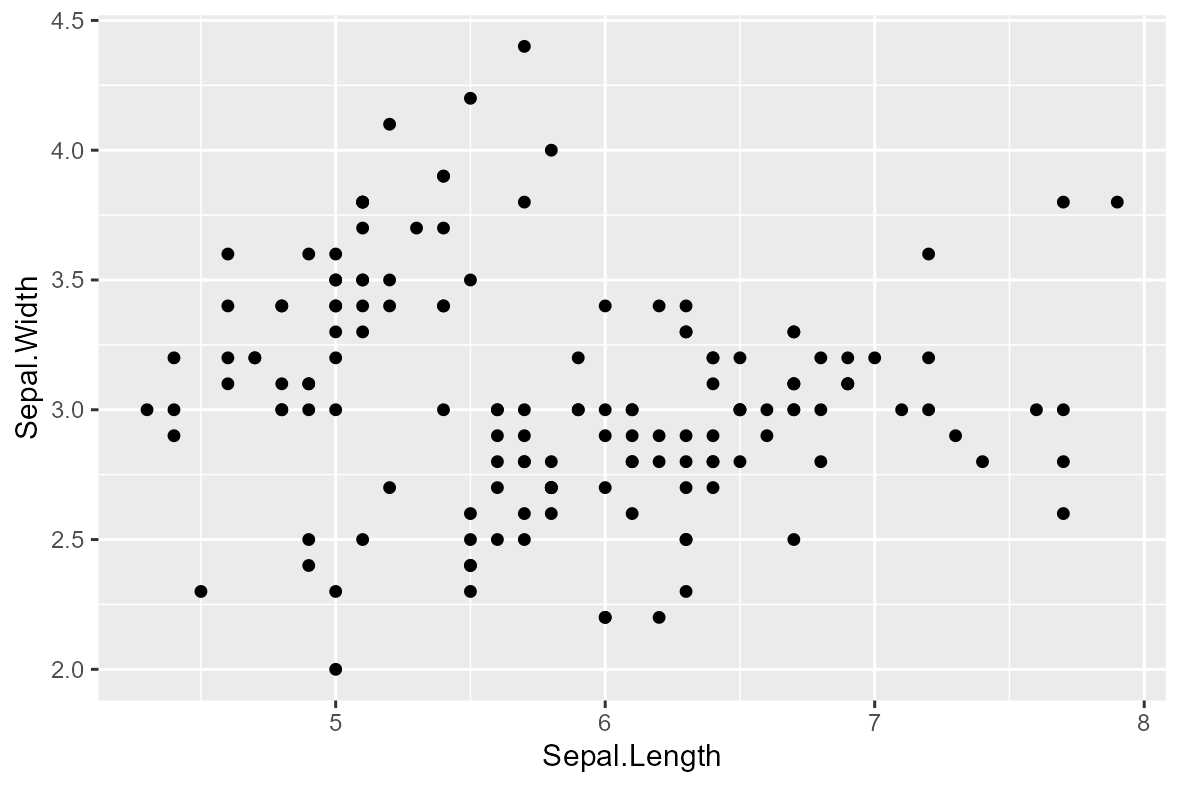 ]
]
Line plot
iris |>
ggplot(aes(x = Sepal.Length, y = Sepal.Width)) +
geom_line()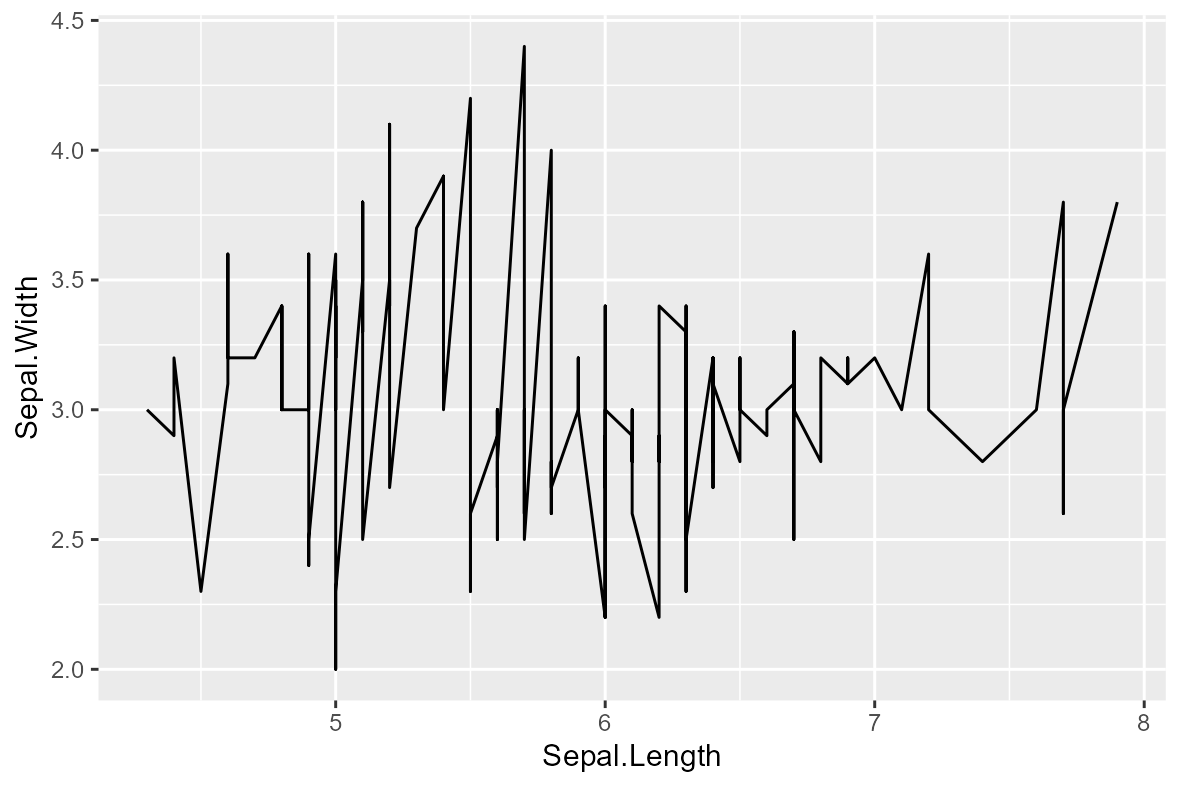 ](
](
Bar plot
iris |>
ggplot(aes(x = Species)) +
geom_bar()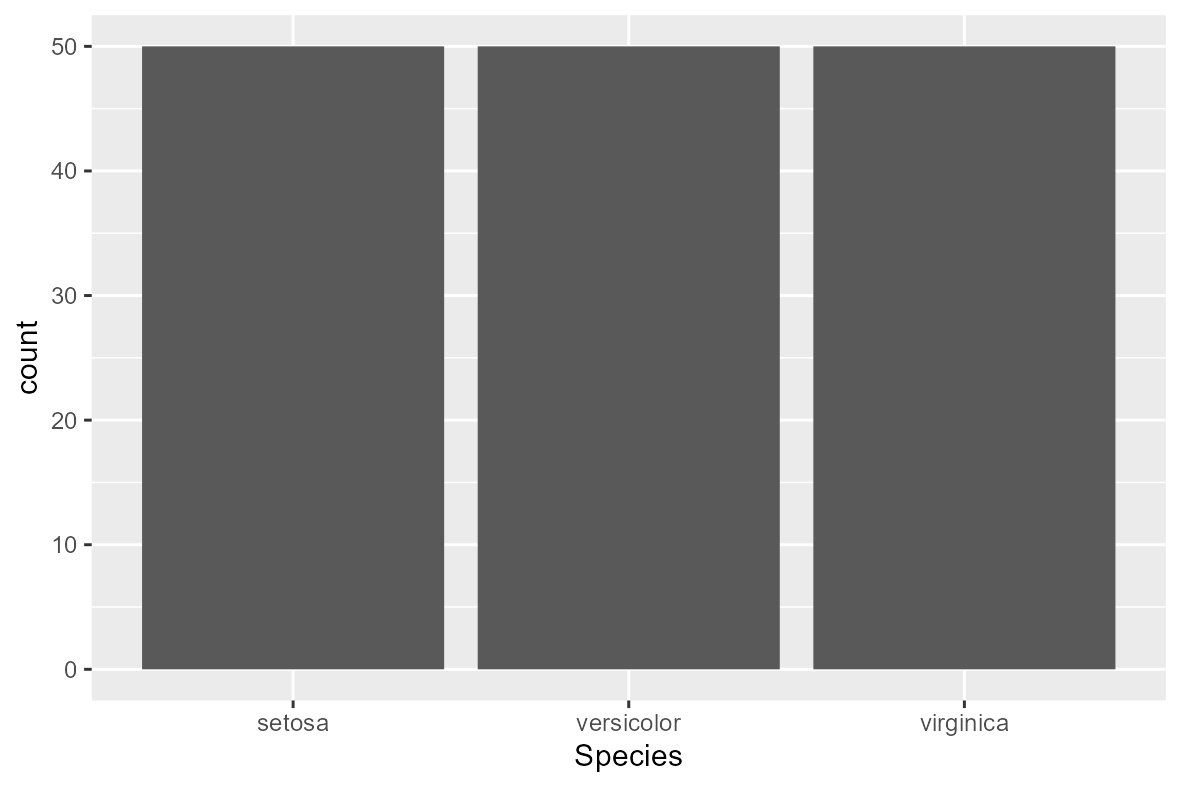 ]
]
Column plot
iris |>
  group_by(Species) |>
  summarise(meanSL = mean(Sepal.Length)) |>
  ggplot(aes(x = Species,
             y = meanSL)) +
  geom_col()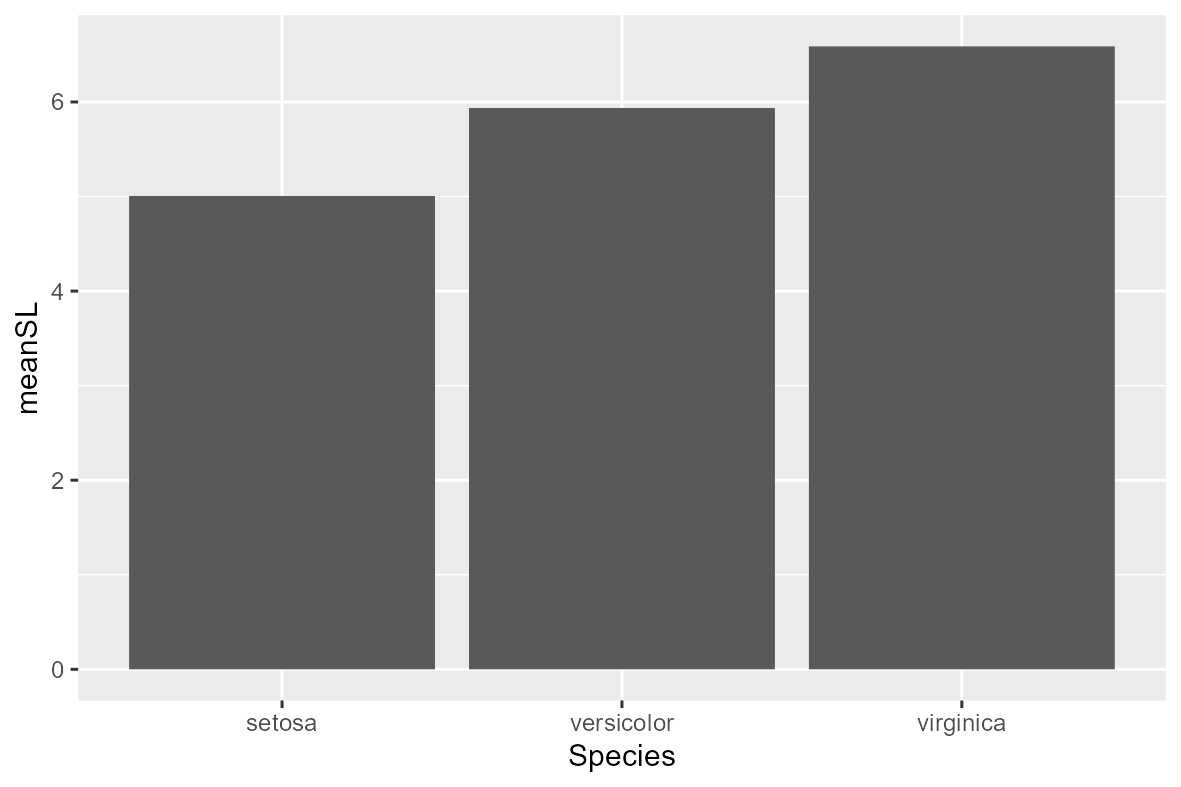
Box plot
iris |>
  ggplot(aes(x = Species,
             y = Sepal.Length)) +
  geom_boxplot()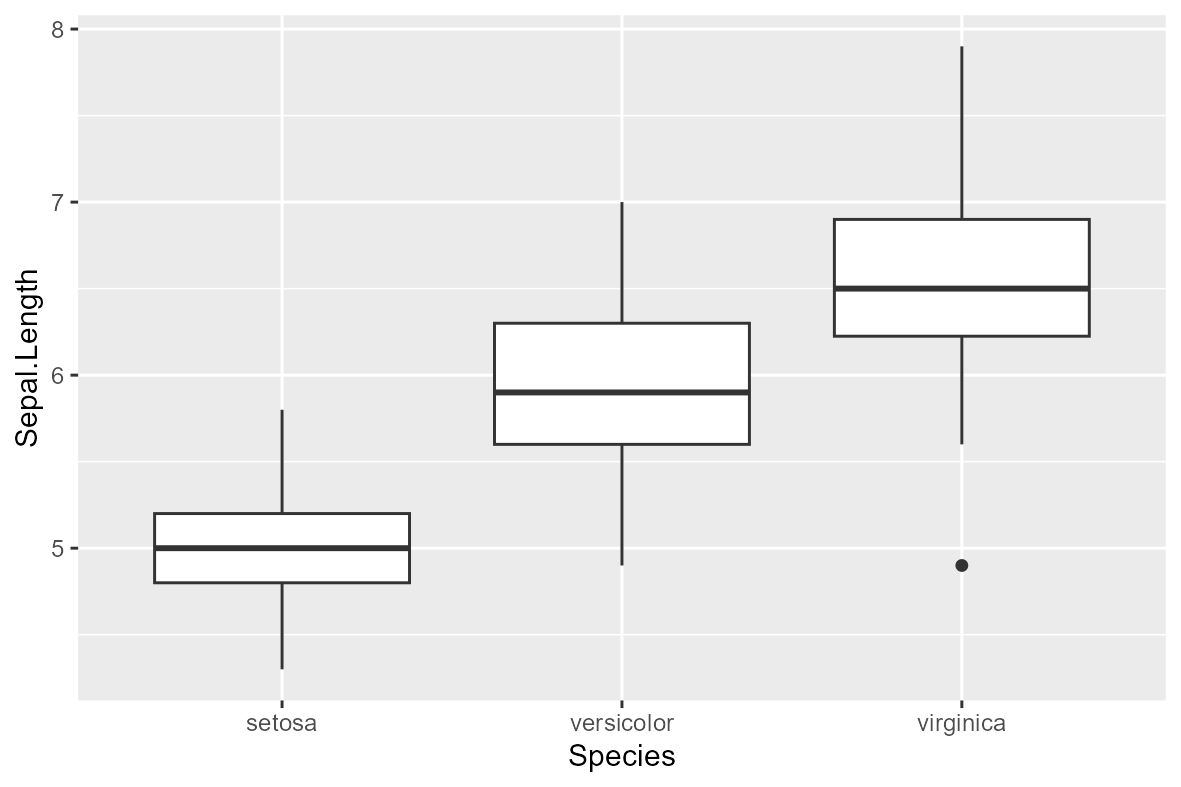
Histogram plot
iris |>
ggplot(aes(x = Sepal.Length)) +
  geom_histogram()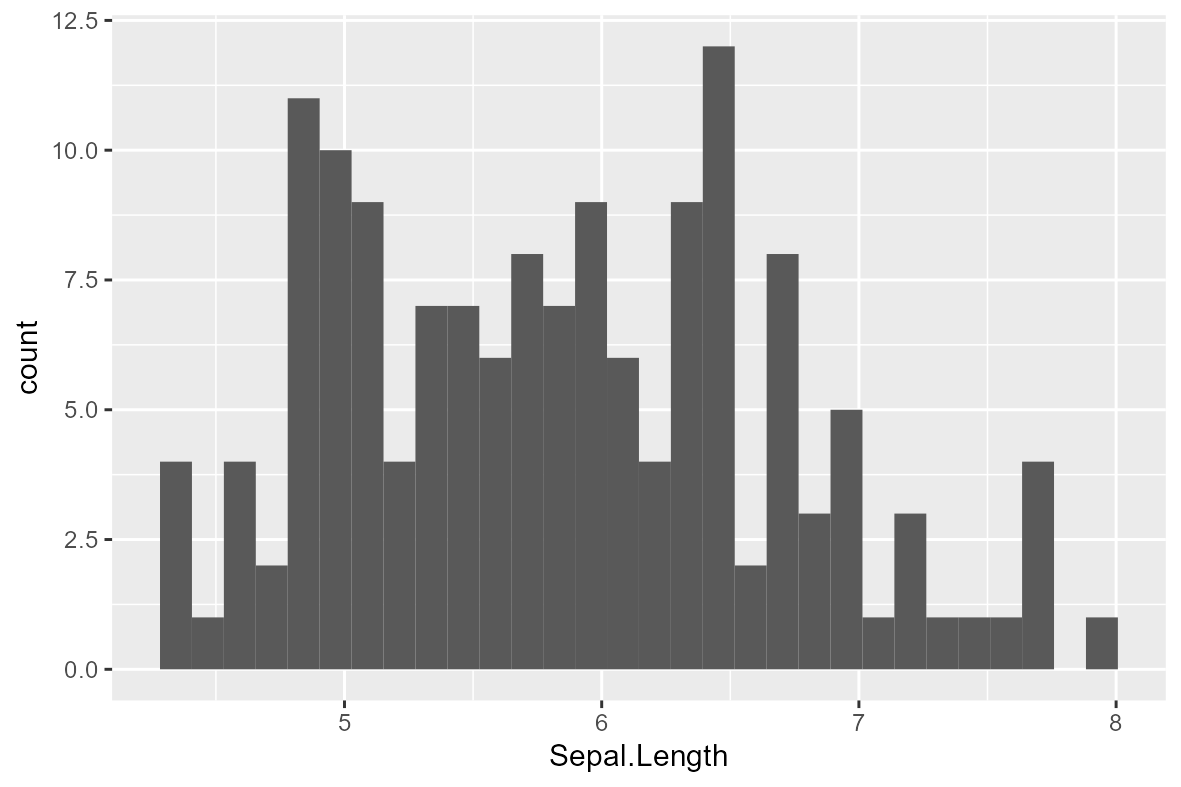
Adding colors
Color
iris |>
  ggplot(aes(x = Sepal.Length,
             y = Sepal.Width,
             col = Species)) +
  geom_point()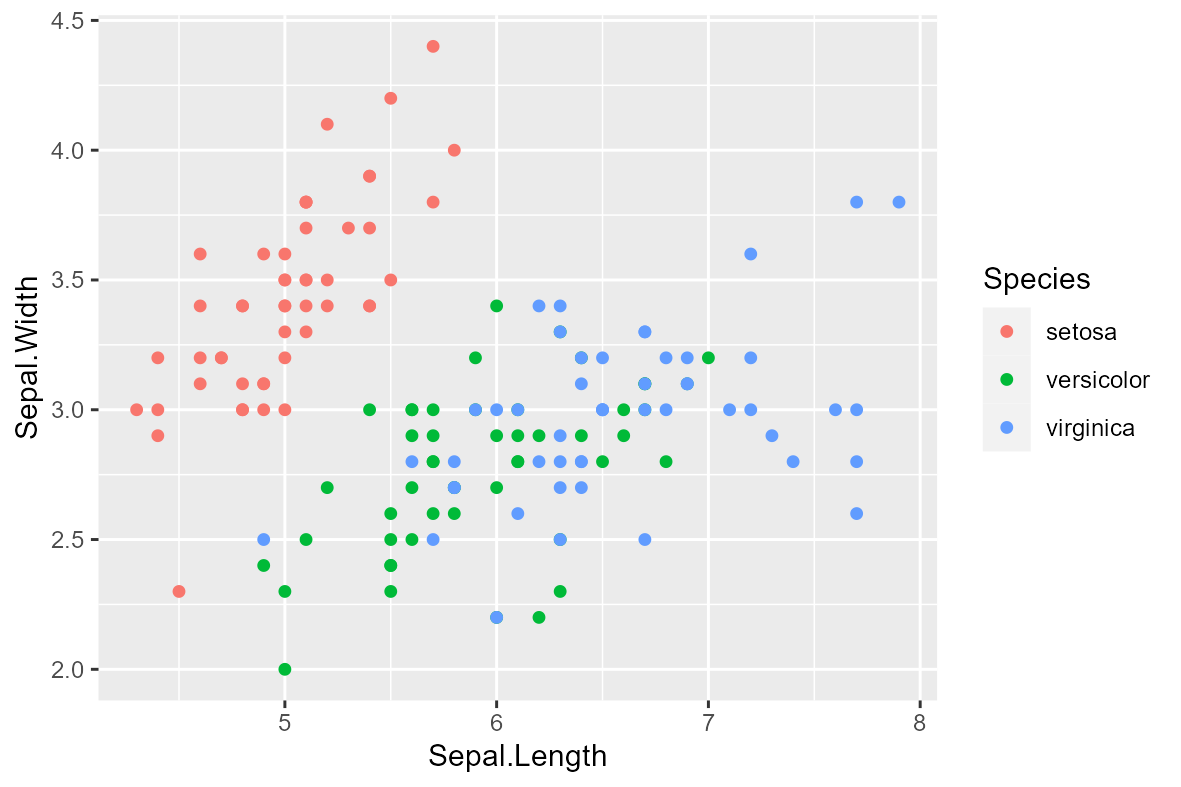
Fill
iris |>
  ggplot(aes(x = Species,
             fill = Species)) +
  geom_bar()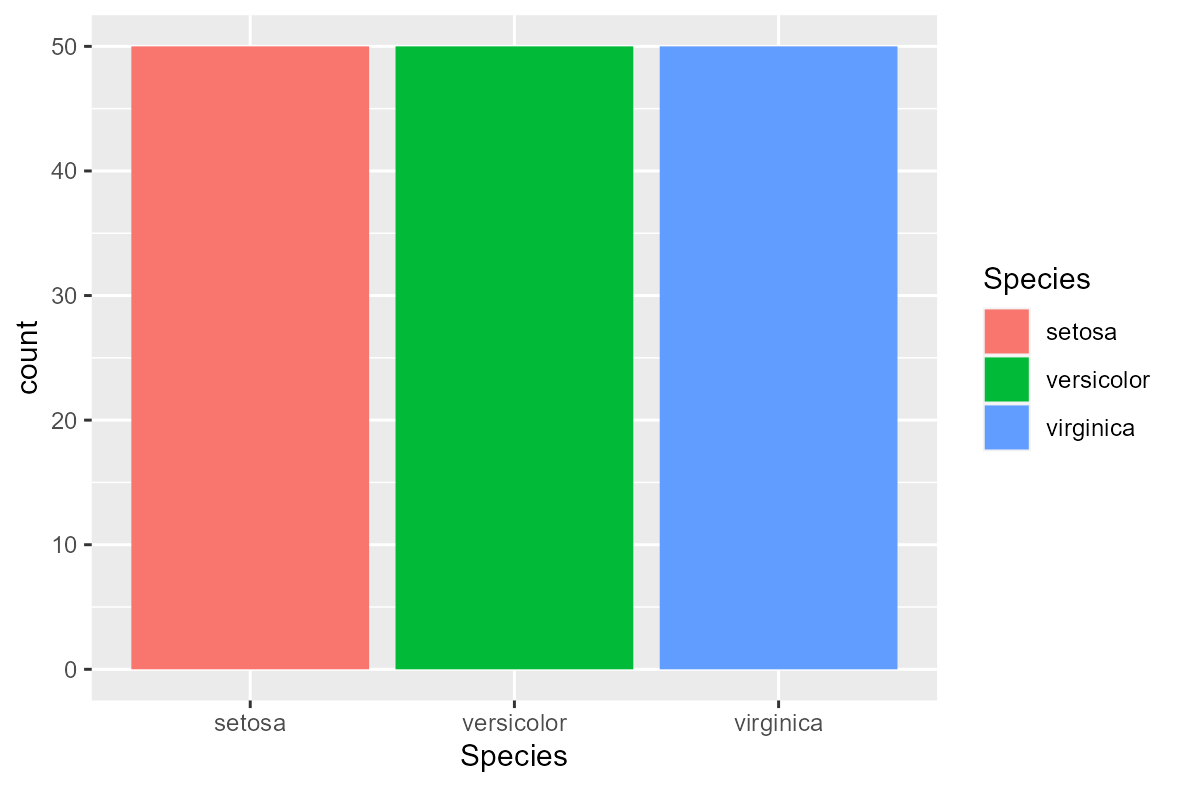
Customized colors
Manual colors
iris |>
  ggplot(aes(x = Sepal.Length,
             y = Sepal.Width,
             col = Species)) +
  geom_point() +
  scale_colour_manual(values = c("forestgreen", "royalblue", "firebrick2"))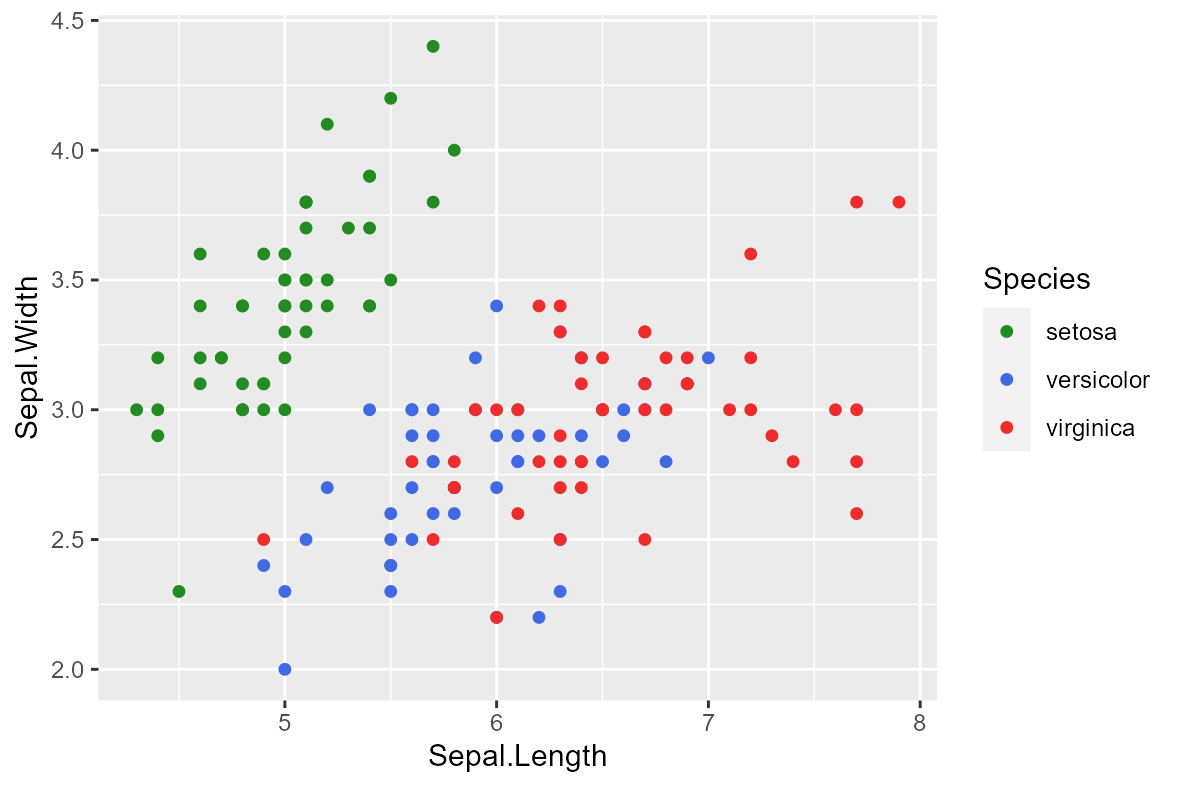
Rcolorbrewer
iris |>
  ggplot(aes(x = Sepal.Length,
             y = Sepal.Width,
             col = Species)) +
  geom_point() +
  scale_colour_brewer(palette = "RdYlBu")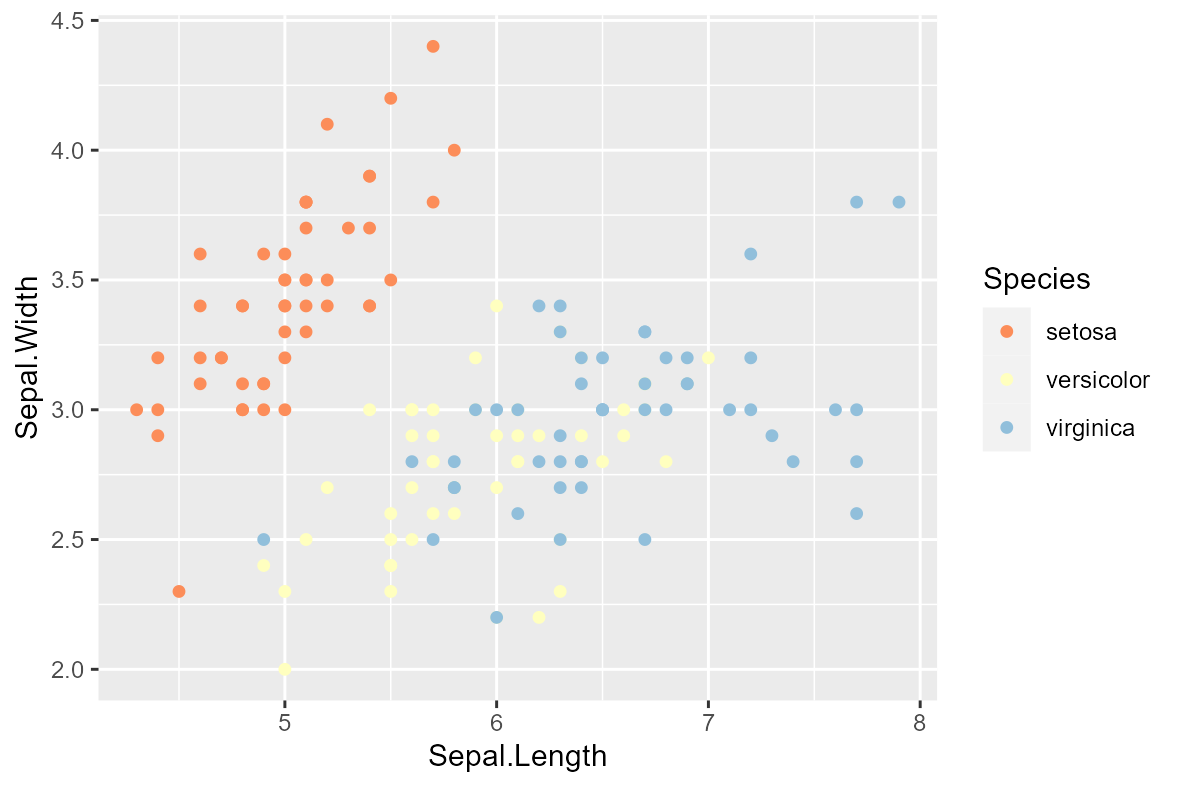
Axes
Axes
iris |>
  ggplot(aes(x = Sepal.Length,
             y = Sepal.Width,
             col = Species)) +
  geom_point() +
  scale_y_continuous(breaks = seq(2, 4.5, 0.25),
                     limits = c(2, 4.5)) +
  scale_x_continuous(breaks = seq(4, 8, 0.5),
                     limits = c(4, 8))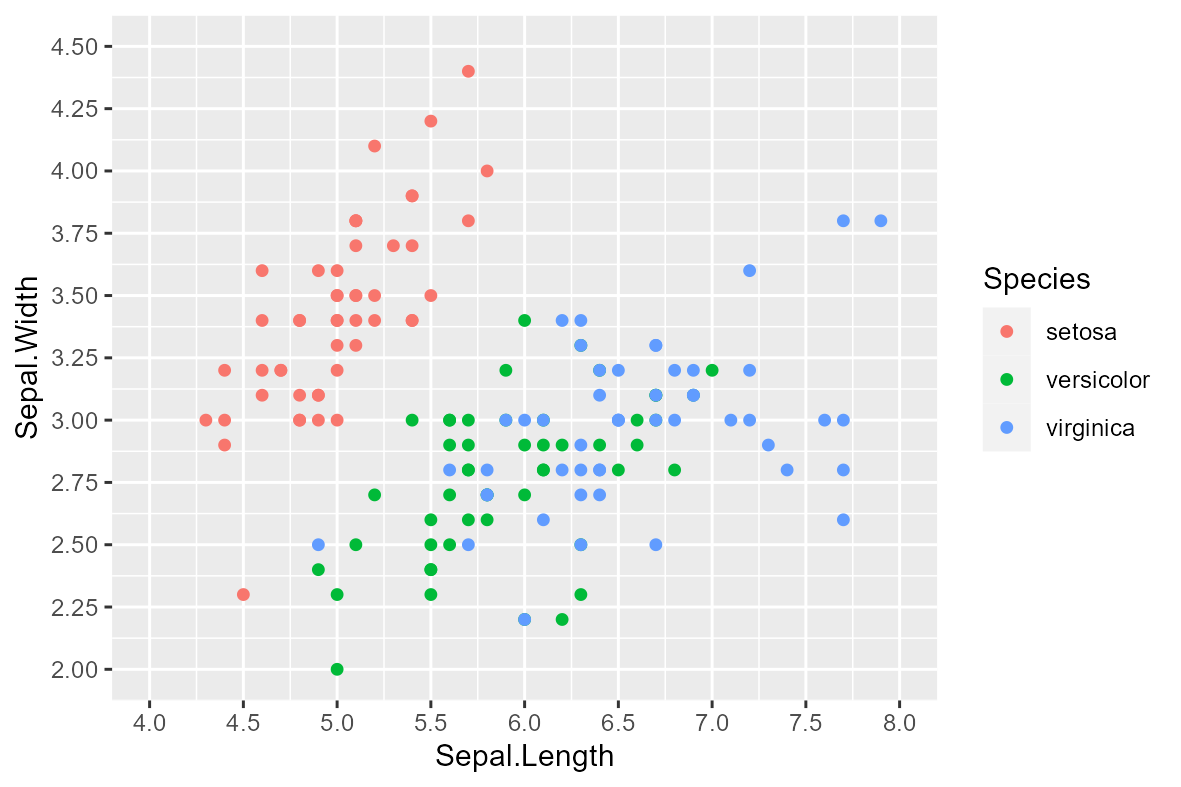
Axes labels
iris |>
  ggplot(aes(x = Sepal.Length,
             y = Sepal.Width,
             col = Species)) +
  geom_point() +
  labs(x = "Sepal length (cm)",
       y = "Sepal width (cm)")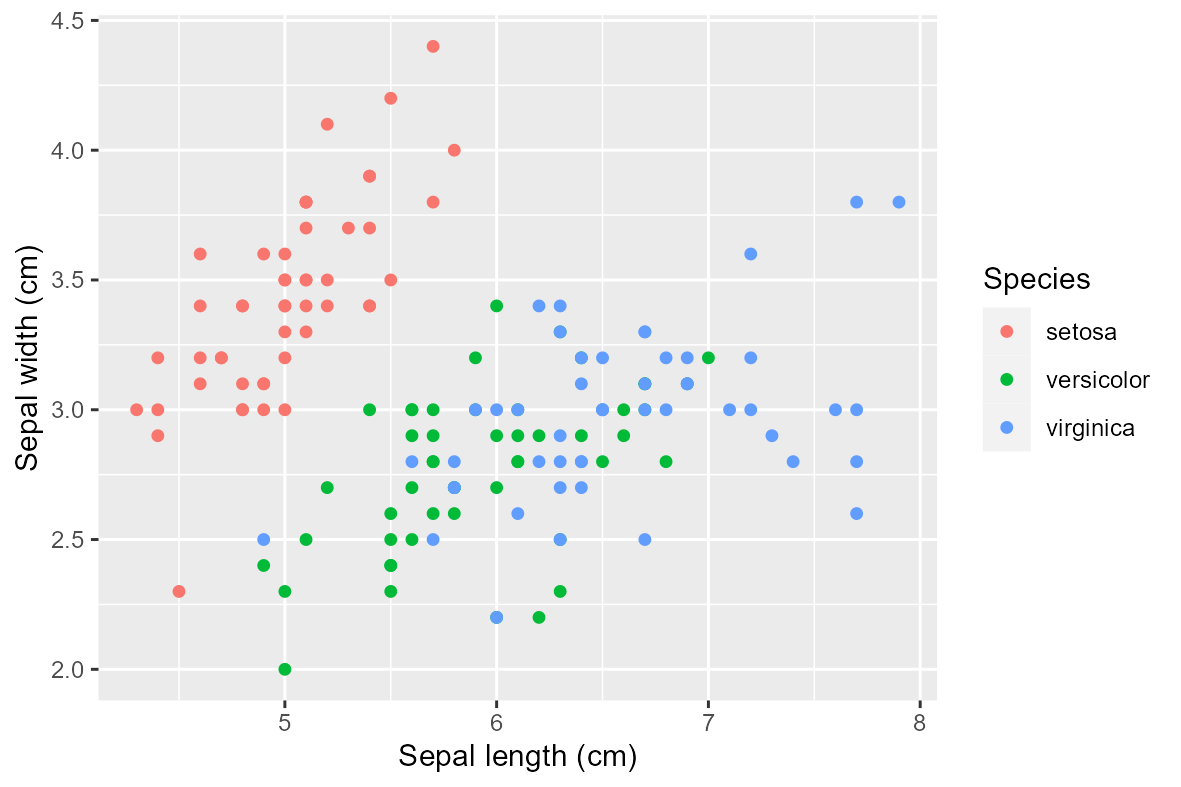
Facets
Facet grid
iris |>
  ggplot(aes(x = Sepal.Length,
             y = Sepal.Width,
             col = Species)) +
  geom_point() +
  facet_grid(~ Species)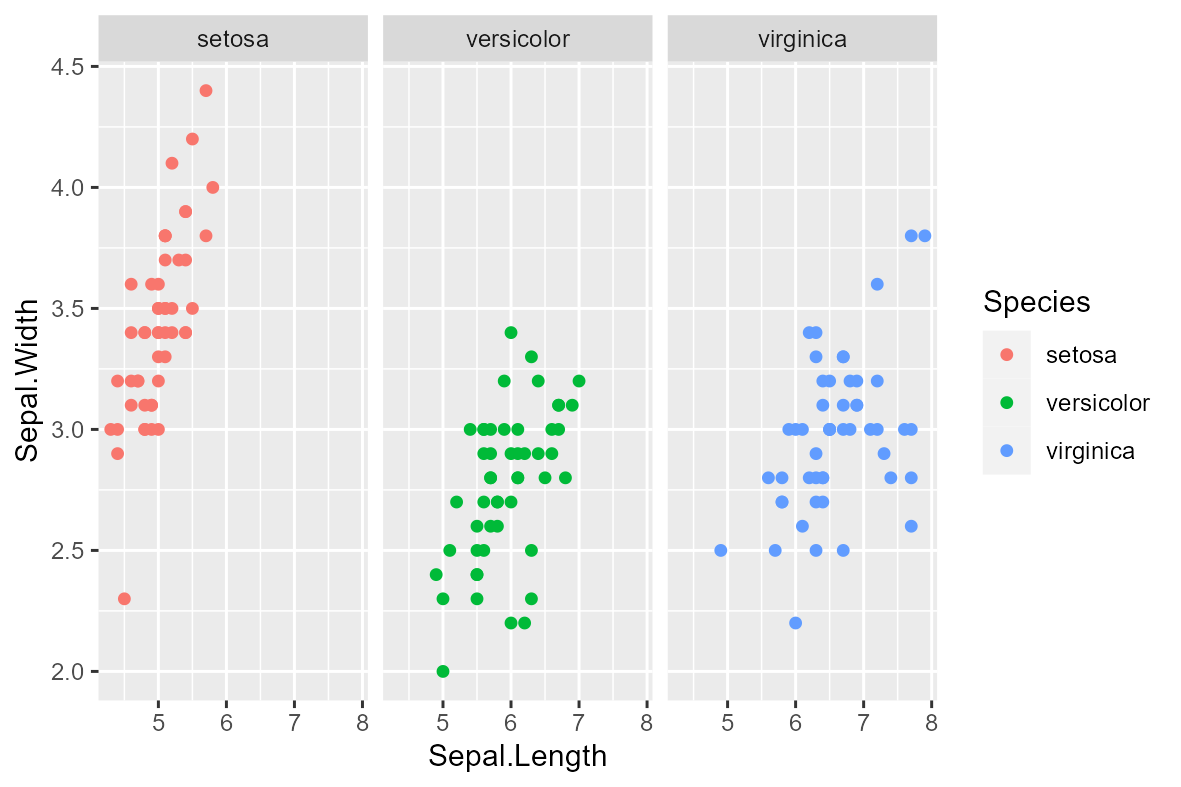
Facet wrap
iris |>
  ggplot(aes(x = Sepal.Length,
             y = Sepal.Width,
             col = Species)) +
  geom_point() +
  facet_grid(~ Species)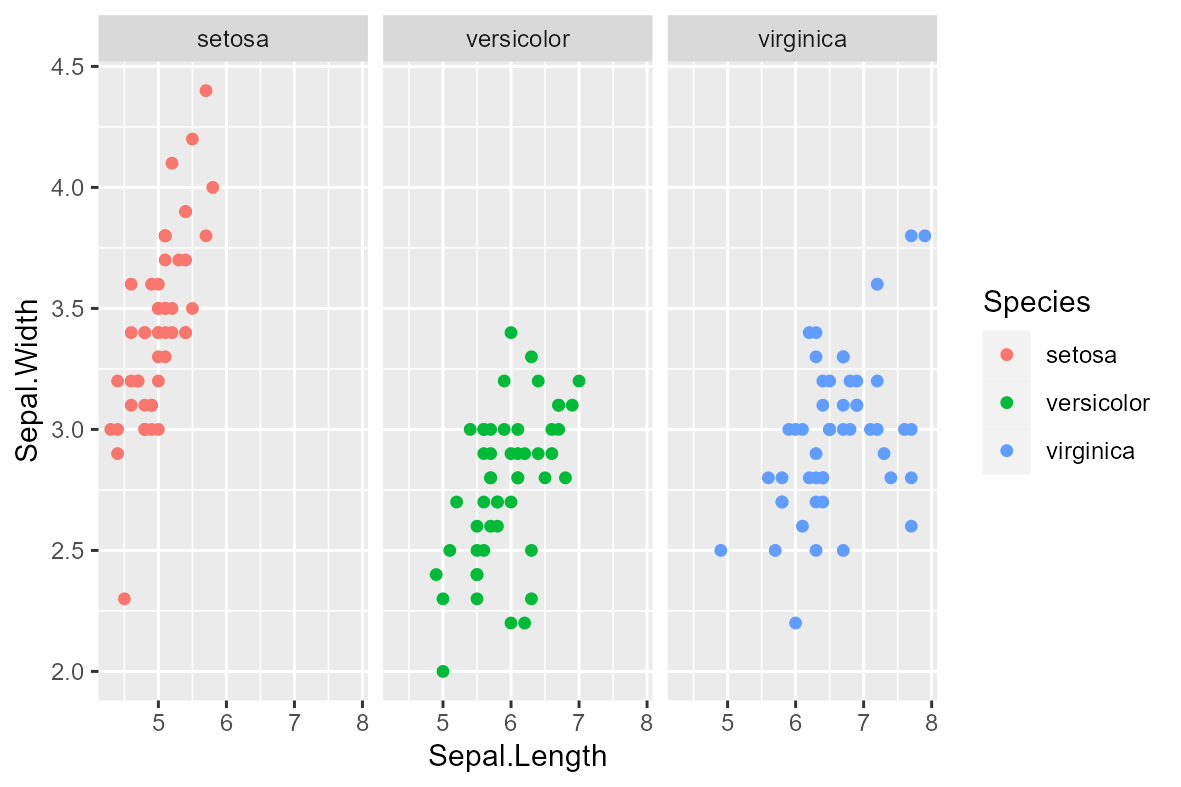
Theme
Personalized theme
my_theme <- theme_bw() +
  theme(plot.title=element_text(size=18,hjust = 0.5),
        text=element_text(size=24,colour="black"),
        axis.text.x = element_text(size=18,
                                   colour="black",
                                   angle = 90,
                                   hjust = 1,
                                   vjust = 0.5),
        axis.text.y = element_text(size=18,
                                   colour="black",
                                   angle = 0,
                                   vjust = 0.5,
                                   hjust = 1),
        axis.title = element_text(size=18,
                                  colour="black",
                                  face = "bold"),
        axis.line = element_line(colour = "black"),
        legend.title = element_text(size=18),
        legend.text = element_text(size=18),
        axis.line.x =element_line(colour="black"),
        axis.line.y =element_line(colour="black"),
        panel.grid.major=element_blank(),
        panel.grid.minor=element_blank(),
        panel.border=element_blank(),
        panel.background=element_blank(),
        strip.background =element_rect(fill="gray90",
                                       colour = "black"),
        strip.text = element_text(size=18,
                                  colour="black",
                                  face = "bold"),
        plot.margin = unit(c(0.01,0.01,0.01,0.01), "cm"))

iris |>
  ggplot(aes(x = Sepal.Length,
             y = Sepal.Width,
             col = Species)) +
  geom_point() +
  facet_wrap(~ Species) +
  my_theme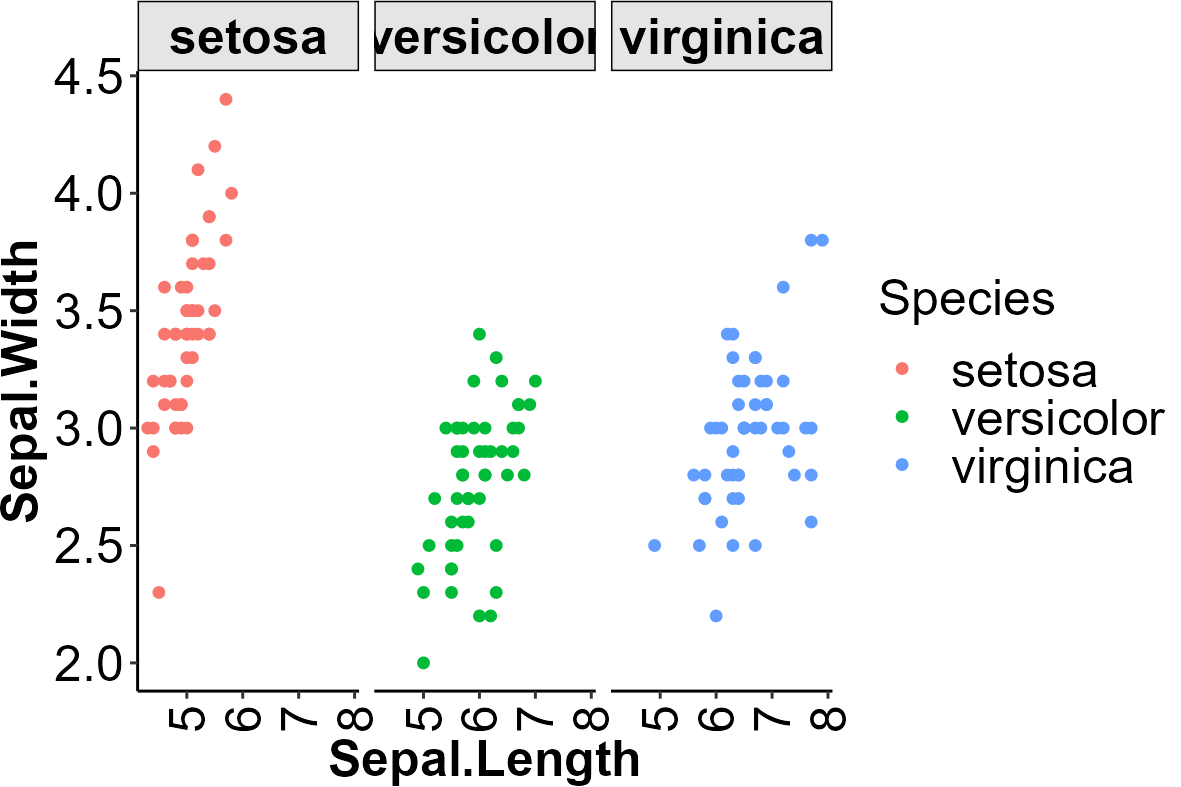
Cowplot theme
iris |>
ggplot(aes(x = Sepal.Length,
y = Sepal.Width,
col = Species)) +
geom_point() +
facet_wrap(~ Species) +
theme_cowplot()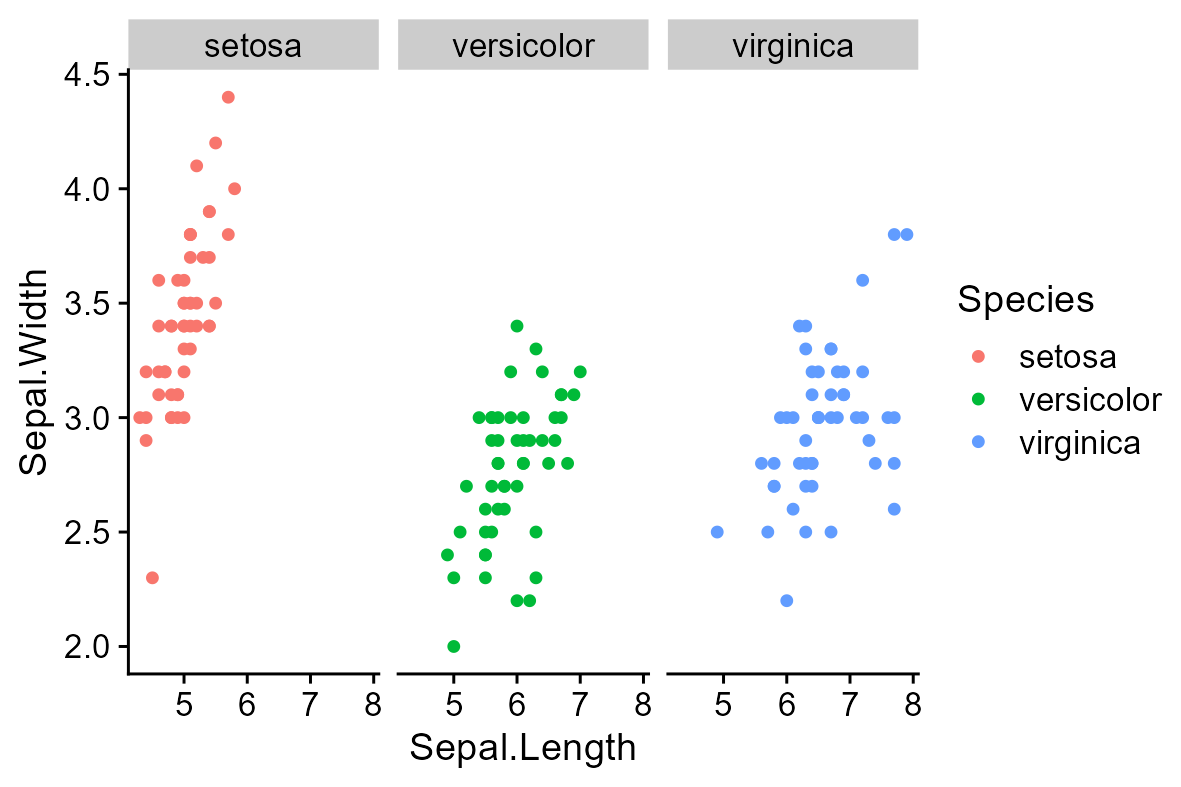 ]
]