Rasters and vectors with terra
blog
Rasters and vectors with terra
This post shows a simple example of how to work with rasters and vectors using the terra package. Terra replaces the older raster package, since terra is usually faster to use.
library(tibble)
library(terra)
library(dplyr)
Then create some objects to work with and plot them.
im1 <- rast(matrix(1:9, nrow = 3),
            crs = "EPSG:4326",
            extent = c(-103,-100,19,22))

pts1 <- vect(data.frame(lon = c(-102.5, -102.5, -100.5, -100.5),
                        lat = c(19.5, 21.5, 21.5, 19.5)),
             geom = c("lon", "lat"),
             crs = "EPSG:4326")

poly1 <- vect("POLYGON ((-102.5 19.5, -102.5 21.5, -100.5 21.5, -100.5 19.5, -102.5 19.5))",
             crs = "EPSG:4326")

plot(im1)
plot(pts1, add = T)
plot(poly1, add = T)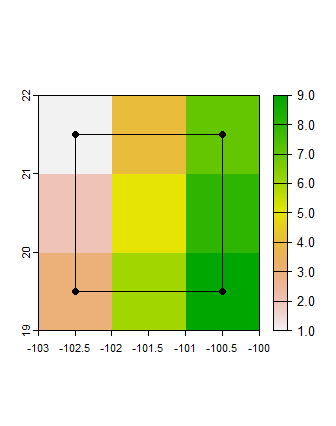
Vector operations
Buffer
poly2 <- buffer(poly1, width = 10000, capstyle = "square")
plot(poly2)
plot(poly1, add = T)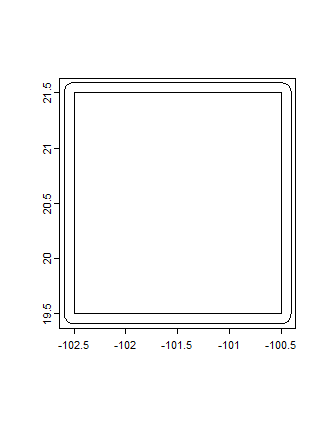
Intersection
poly3 <- intersect(poly2, poly1)
plot(poly3[[1]])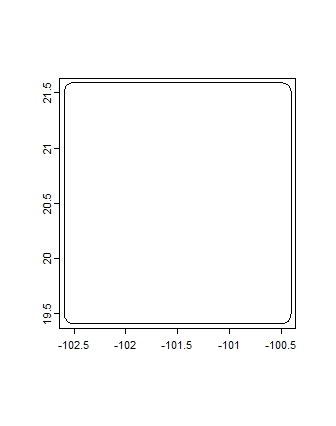
Raster operations
Mask values
im2 <- im1
im2[im2>=5] <- NA
plot(im2)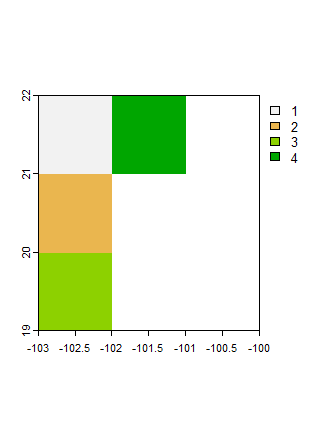
Operations over all cells
# Stack same image
im3 <- c(im1, im1)

im4 <- app(im3, fun = "sum")
plot(im4)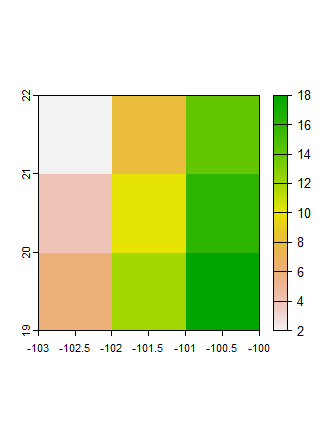
Global operations
global(im1, fun = "mean")
      mean
lyr.1    5
Focal operations
im5 <- focal(im1, w = 3, fun = "max")
plot(im5)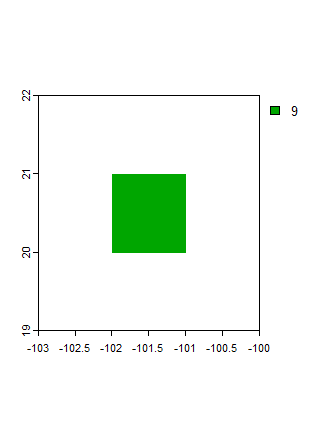
Raster vector operations
Crop
im1_c <- crop(im1, poly1)
plot(im1_c)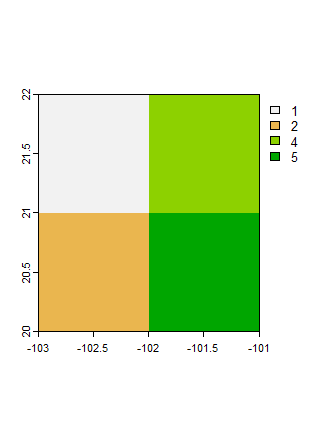
Mask
im2_c <- mask(im1, poly1)
plot(im2_c)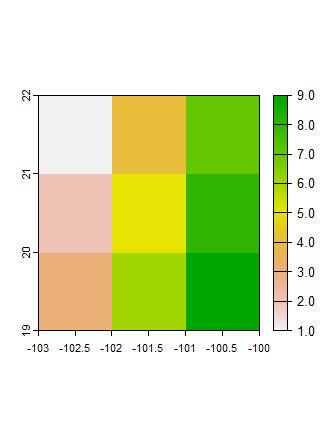
Extract values
Manual colors
expts <- extract(im1, pts1)

# Get x and y coordinates and value
geom(pts1) |>
  as_tibble() |>
  select(x, y) |>
  mutate(value = expts|>pull(lyr.1))

# A tibble: 4 × 3
      x     y value
  <dbl> <dbl> <int>
1 -102.  19.5     3
2 -102.  21.5     1
3 -100.  21.5     7
4 -100.  19.5     9